Everything you need to review contracts like your best legal assistant
From playbook-driven analysis to native tracked changes, Legal Redliner handles the heavy lifting so you can focus on strategy.
Playbook-Driven Review
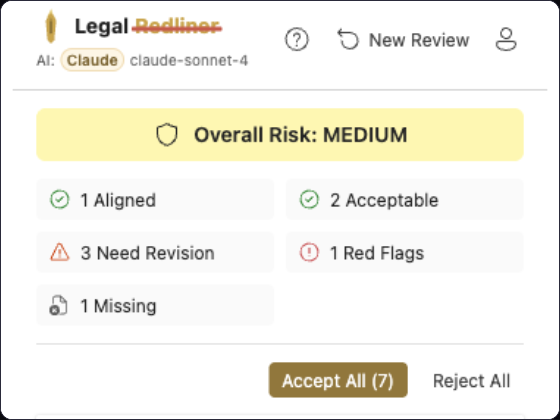
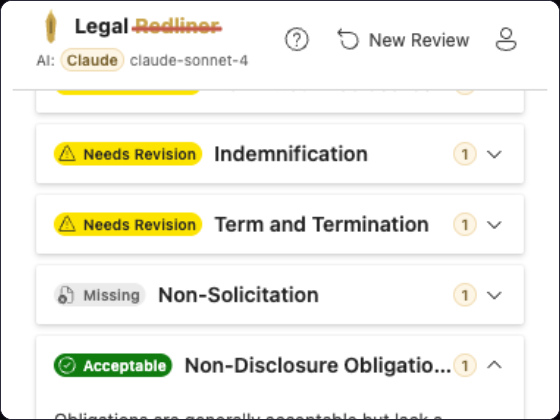
Every clause in the contract is evaluated against your organization's preferred positions. The AI identifies deviations, missing clauses, and risky language — ensuring consistent review quality across your entire team.
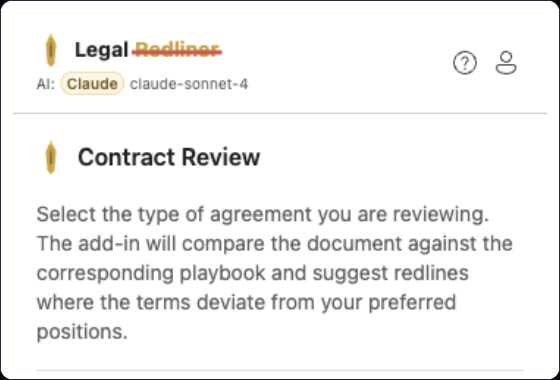
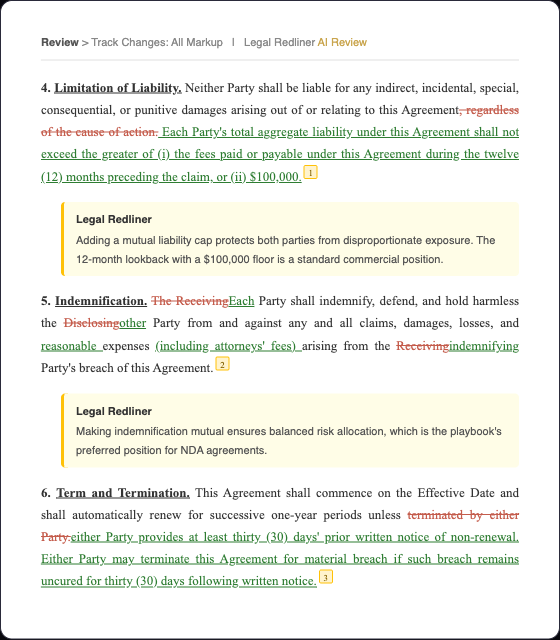
Native Tracked Changes
Redlines appear as standard Word tracked changes — not comments, not highlights. Opposing counsel sees them in the review workflow they already know and trust.
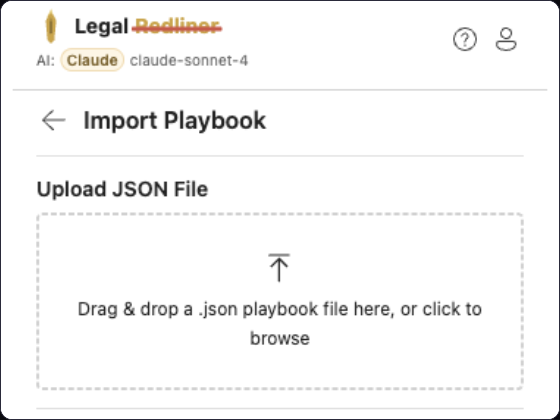
Custom Playbook Import
Import your firm's or business's playbook from JSON to extend built-in agreement types. Define preferred language, fallback positions, and walk-away terms for every clause that matters to your organization.
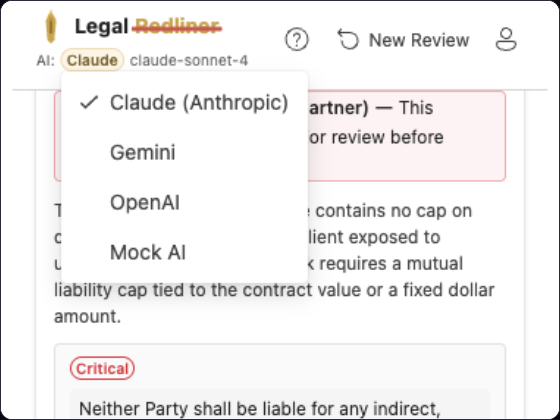
Multi-Provider AI
Choose from Google Gemini, Anthropic Claude, or OpenAI. Switch providers anytime — or bring your own API key for unlimited reviews at zero additional cost.
Clause-Level Analysis
Each clause gets individual attention: status assessment, risk level, suggested redline with rationale, and commercial commentary suitable for communicating your position to the counterparty.
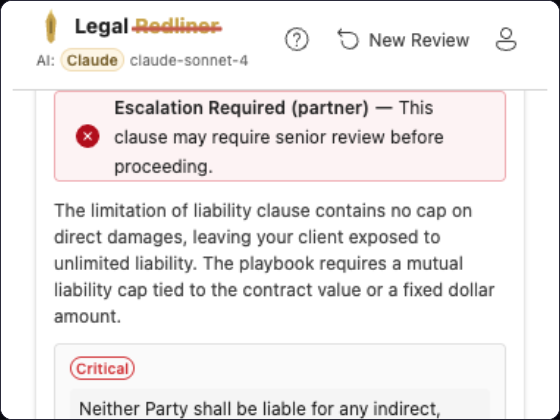
Missing Clause Detection
Automatically identifies provisions your playbook requires but aren't addressed in the document. Smart insertion places new clauses in the correct location with proper numbering.
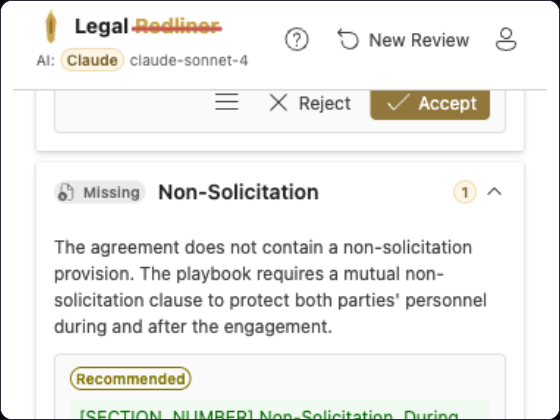
Batch Apply with Sibling Coordination
Accept all suggestions at once, or review them individually. When one change affects later suggestions, the cross-suggestion engine automatically adjusts to keep everything consistent.
AI Self-Correction
When a redline can't be applied — perhaps the text was already modified — the AI automatically re-reads the document and corrects its reference. No manual intervention needed.
Works everywhere you work
Legal Redliner integrates directly into your existing workflow. No new tools to learn, no documents to upload to external platforms.